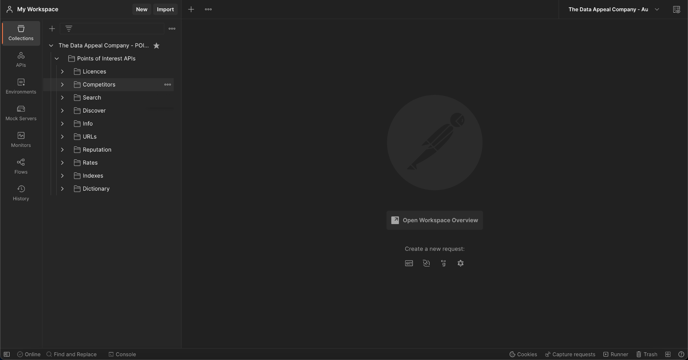
Quick set-up guide of the POI API template within Postman
To make it easier for you to start developing with our APIs, we’ve created a template that you can download and import directly into Postman in order to have all up-to-date. By clicking on the button below you can download the Postman Template.

You can also click on the button below to download the "The Data Appeal Company - Authentication Environment" for Postman, which will allow you to define as global variables:
-
account_id
-
bearer_token
-
api_key

The credentials to access and use POI API can only be issued by Customer Support. Please contact us via the dedicated form.
Down below you can find the main information on how to set up a workspace on Postman and import the POI API template. Once the collection has been imported, we will explain the structure of the template. For in-depth information on Postman and the official guide, please refer to Postman Learning Center.
Download the POI API template, launch Postman and set-up your personal workspace.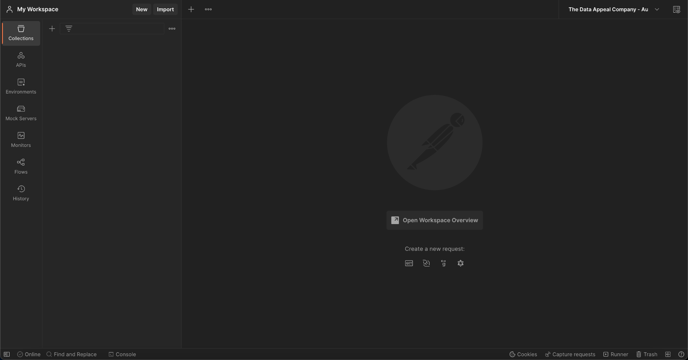
Click on Import to import a new collection on Postman and a dedicated window will open.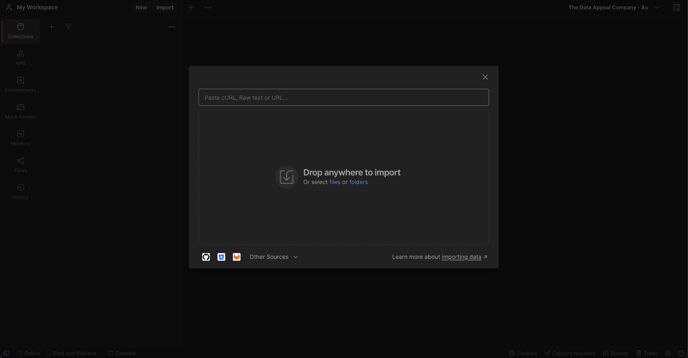
Upload the POI API template you initially downloaded as a file (the file you downloaded should be in .JSON format and thus automatically recognized by Postman). At this point a collection has been created in the workspace, under the Collections tab, and a folder, under the APIs tab, both with the name "The Data Appeal Company POI API". By expanding the folder, the entire hierarchy of calls offered will be available, divided by tags.